Educational video software for schools and universities
Create engaging video projects and interactive learning tools with Movavi educational software.
Quick and effortless montage of professional-grade videos
AI-powered tools to automate routine tasks
Screen recording for greater efficiency
10, 000+ stunning effects to engage your audience
Millions


Video tools for teachers, schools, and universities
Movavi software helps teachers, students, and schools create engaging lessons, tutorials, presentations, and other educational video production projects. From lecture recording to video training software workflows, Movavi supports modern classrooms and online learning.
Movavi Video Editor
Simple but powerful video editor for educational content.
- Create recorded lessons and video tutorials
- Edit student projects and presentations
- Add subtitles, annotations, and transitions
- Clean up classroom recordings with AI tools
- Prepare content for online learning platforms
Movavi Video Suite
Complete toolkit for video creation, editing, conversion, and screen recording.
- Record lectures and webinars
- Edit educational videos
- Convert videos for different classroom devices
- Capture screens for tutorials and demonstrations
- Create multimedia assignments
Movavi Unlimited
All-in-one creative toolkit for media-heavy educational workflows.
- Access all Movavi apps in one subscription
- Create videos, graphics, tutorials, and presentations
- Use advanced effects and creative assets
- Support multiple classroom and content formats
- Ideal for media departments and creators

Movavi Academic
Flexible deployment solution for institutions.
- MSI deployment support
- Multi-device educational environments

Built for modern learning
Create engaging lessons

Make your projects stand out
Manage tools
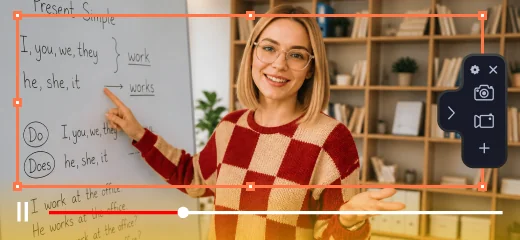
Save lessons
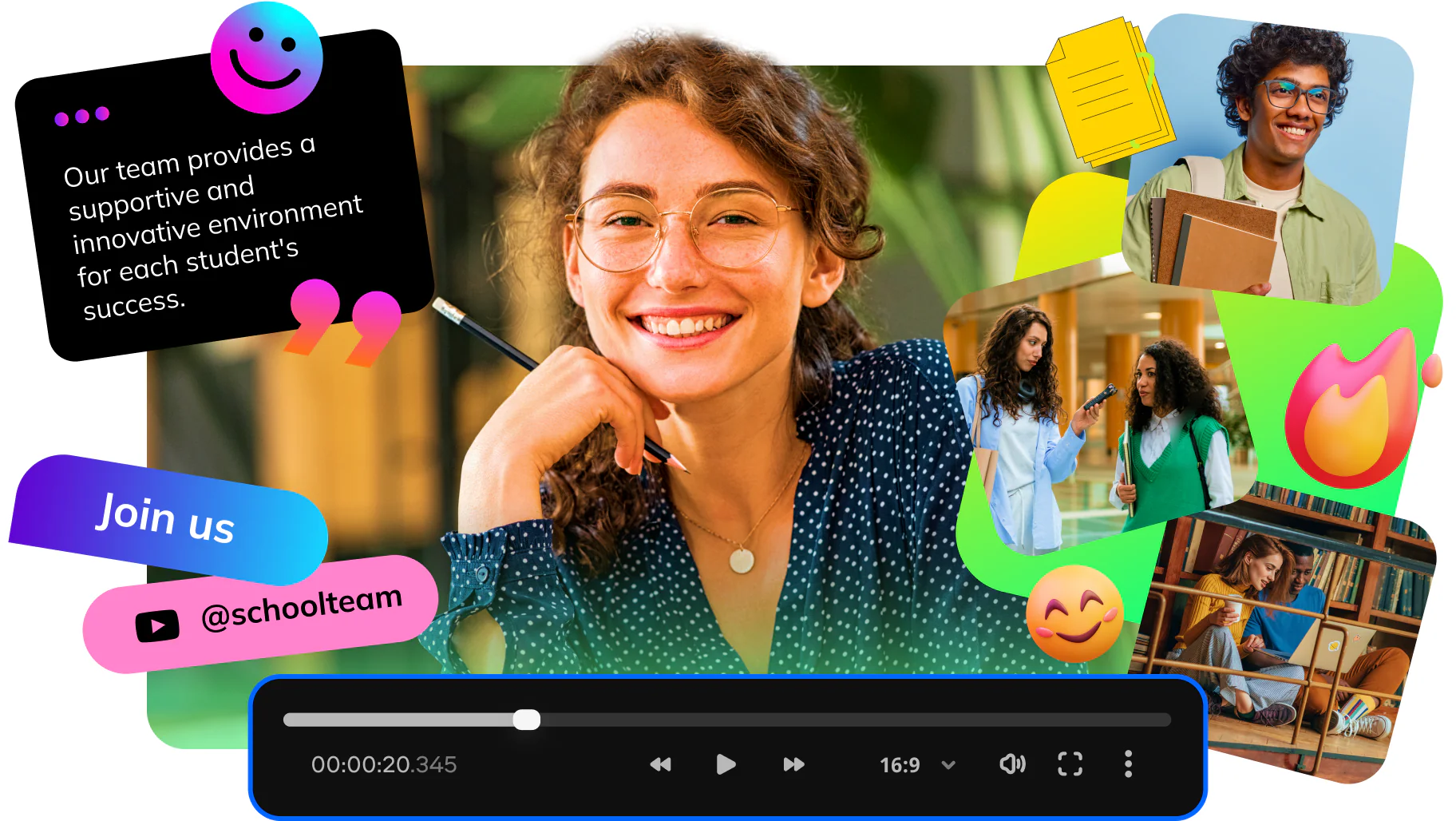
Support learning with video
Record lectures, add subtitles, highlight key points, and make engaging learning materials faster.
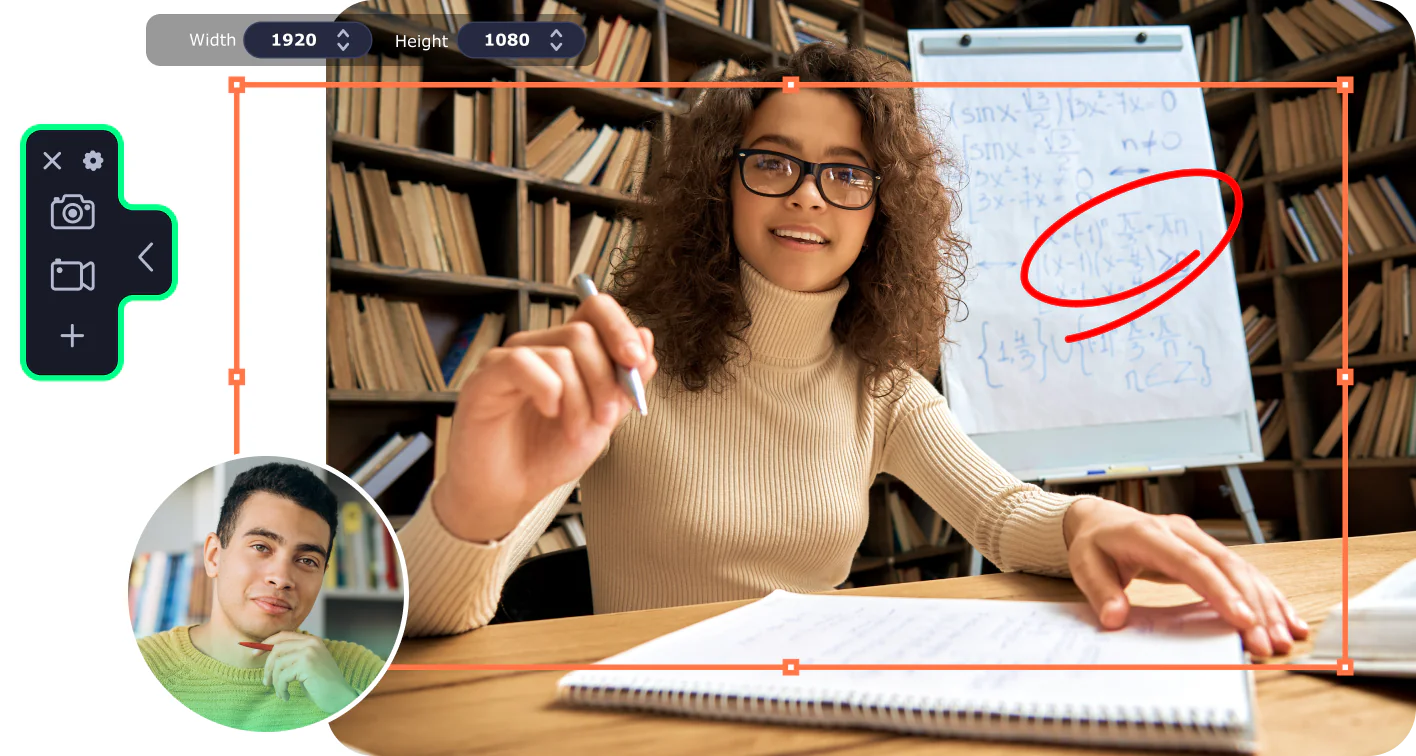
Edit presentations, tutorials, coursework videos, and other creative video project ideas with simple tools and ready-made effects.
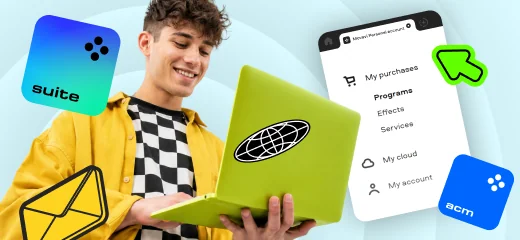
Use volume licensing, MSI deployment (оnly supported in Movavi Video Suite and Movavi Academic), and centralized installation to support teachers and students.
Record lectures and other learning materials from the web.
Create content for lectures, hybrid classes, student projects, training, and campus communication.
Enrich teaching and learning experiences with a video editor for school
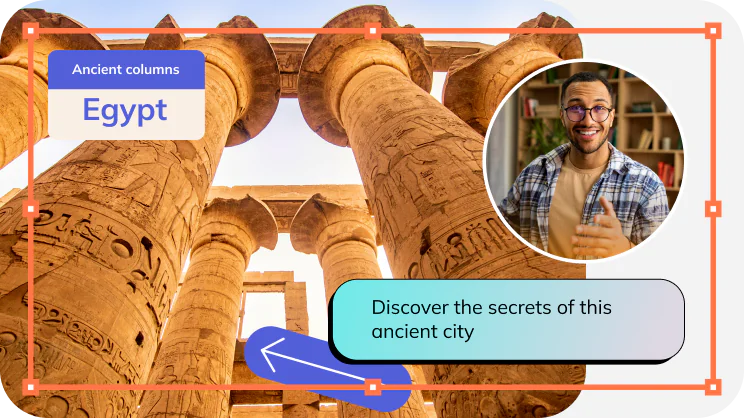
Flipped and blended learning
Create engaging video tutorials that students can watch at home before class and save valuable class time for discussion and practical work.
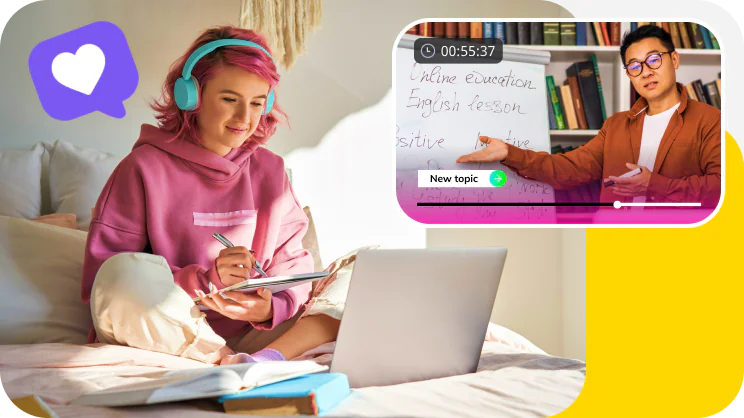
Distance learning
Ensure courses are available to every student, no matter where they are. Record instructional videos and lectures to reach students who can’t be present in the classroom.
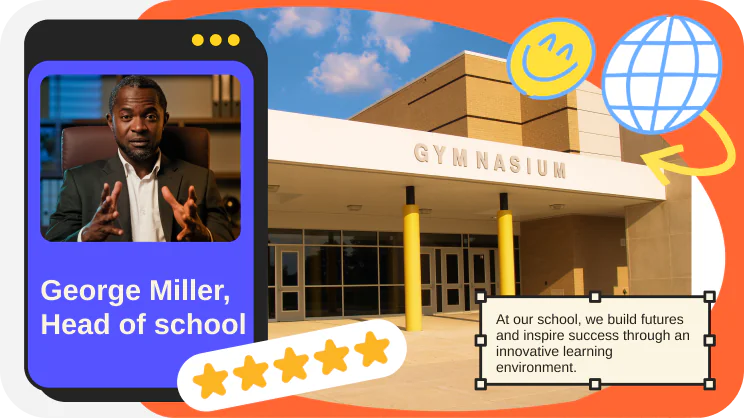
School promotion
Craft promotional videos to attract new teachers and students. Highlight your vibrant learning community, increase enrollment, raise funds, and offer virtual campus tours.
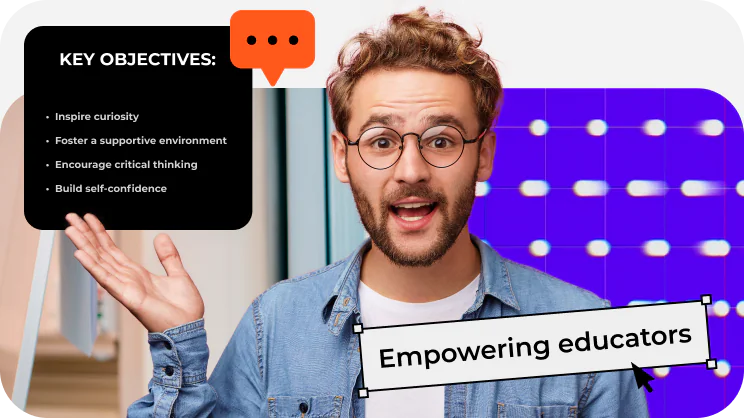
Teacher training
Deliver professional development videos to teachers and school staff. Encourage content sharing, provide ongoing training, and help teachers to innovate in their work.
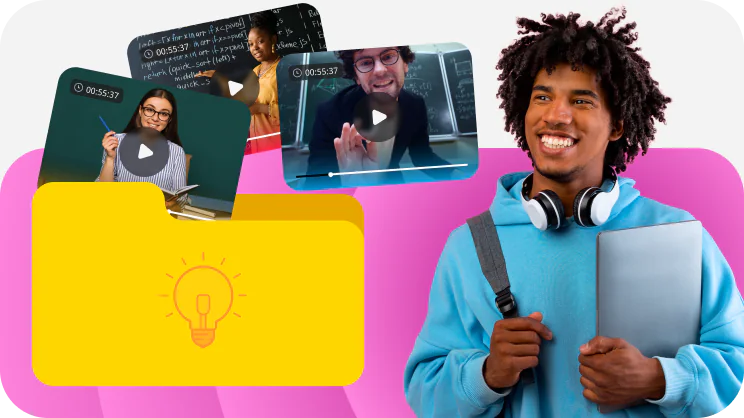
Digital course library
Build a digital library of video lessons that students can access anytime, anywhere. Enhance knowledge retention by enabling learners to rewatch content at their own pace.
Which Movavi program is right for me
Compare the different features in Movavi apps and choose the appropriate program for your needs.
Features and built-in content
Price
$142.95/year
$71.95/year
$41.95/year
$61.95/year
Create stunning vlog episodes or short clips for socials
Upload on social media
Record screens
Convert media files
Get full access to 10,000+ creative effects
70M+ people love Movavi
Thank you so much! It looks awesome. I was experimenting with the trial version yesterday. Today, I tried the Academic version you provided. Now I’m sure I can put together good quality videos for my students in less than a day. This is exactly what I need to do short video lectures for my Mechanical Engineering students while we are doing remote learning.

Associate Professor (Mechanical Engineering), MSOE University, USA
We tested dozens of video editing programs after we moved from Mac to Windows. But I found Movavi to be the easiest for our 5- and 6-year-old children. And the interface is user friendly. Our pupils will have a copy of your program on their Surface Go devices.Our Junior School does a lot of filming and needs good and friendly software. Movavi works great for them.

ICT Integrator, Dulwich College, China
I run a Christian School for the deaf in a Mexican town called Reynosa. My teachers record Mexican Sign Language classes on webcams and add voiceovers so the parents can understand. Using Google classroom, our students continue their education. We love Movavi and enjoy adding a voiceover to a video while playing it. That is way easier than recording audio separately and then trying to synchronize it with the video.

Curriculum Developer, Isaiah 55 Ministries, Mexico
Access exclusive prices for educational users
Video Editor
1-year subscription
$54.95
$41.95
10–24 licenses | 30% off
25–49 licenses | 45% off
50-99 licenses | 60% off
100+ licenses | 75% off
A simple yet powerful video editor
Cutting, trimming, joining
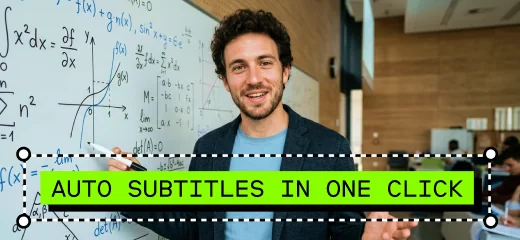
One-click AI tools: auto subtitles, noise removal, and more
Hundreds of filters, transitions, titles, overlays
Video Suite
1-year subscription
$94.95
$71.95
10–24 licenses | 30% off
25–49 licenses | 45% off
50-99 licenses | 60% off
100+ licenses | 75% off
A do-it-all video-making bundle
A handy video editor
Media converter for 180+ formats
Screen recorder with sound capture
+ Bulk software installer for Windows
For classes and schools only
Movavi Unlimited
1-year subscription
$189.95
$142.95
10–24 licenses | 30% off
25–49 licenses | 45% off
50-99 licenses | 60% off
100+ licenses | 75% off
All Movavi programs and 10,000+ effects in one pack
A handy video editor
Media converter for 180+ formats
Screen recorder with sound capture
Slideshow maker
Photo editor
Media player
Over 10,000 effects and 1,500 music tracks
Movavi Academic
1-year subscription
$61.95
10–24 licenses | 30% off
25–49 licenses | 45% off
50-99 licenses | 60% off
100+ licenses | 75% off
A video editor and screen recorder for teaching and schools
Video editor
Screen recorder with sound capture
Experts in Education effects pack
+ Bulk software installer for Windows
For classes and schools only
Frequently asked questions
Who qualifies for educational licenses?
Who qualifies for educational licenses?
Educational licenses are available for schools, universities, colleges, teachers, students, and other accredited educational organizations. They help with learning, teaching, classroom projects, training, and educational content creation – at a special price for eligible educational users and organizations.
How does volume licensing work?
How does volume licensing work?
Volume pricing helps schools and universities purchase Movavi software for multiple classroom, lab, department, or staff computers at a better price. The more licenses you need, the lower the price per license can be.
The final offer depends on the number of computers, selected products, and your organization’s needs. To get a quote, contact our team and tell us how many licenses you need.
Which Movavi product is best for my school or university?
Which Movavi product is best for my school or university?
It depends on how you plan to use Movavi.
Movavi Video Editor is a good choice for simple video editing, lessons, student projects, and presentations.
Movavi Video Suite adds video editing, screen recording and conversion tools for lectures, webinars, and tutorials.
Movavi Unlimited gives access to multiple Movavi tools and creative assets: video editor, screen recorder, photo editor, over 10,000 video effects, and converter to 180+ formats.
Movavi Academic is designed for educational deployment and includes tools such as MSI installation and admin management. The program includes a video editor, screen recorder and special educational effects.
How do I install Movavi for schools?
How do I install Movavi for schools?
For individual users, Movavi programs can be installed directly on a computer after purchase or trial download.
For schools and universities, installation options may include bulk deployment, and MSI installation for Windows (this option available only for Movavi Video Suite and Movavi Academic). Contact our team to choose the best setup for your institution.
Can I install Movavi on more than one computer?
Can I install Movavi on more than one computer?
Movavi products are licensed per computer. If you need the software on multiple classroom, lab, or staff devices, you can purchase the required number of licenses.
Can students and teachers use Movavi at home?
Can students and teachers use Movavi at home?
Yes. Students and teachers can use Movavi on their own computers as long as they have a valid license.
Movavi products are licensed per computer. If you need the program on multiple devices, purchase the required number of licenses. The price per license may be lower when you buy more licenses in one order.
Does Movavi support MSI deployment?
Does Movavi support MSI deployment?
Yes, MSI deployment is available for supported Windows education setups for Movavi Video Suite and Movavi Academic. This helps IT teams install Movavi software on multiple computers at the same time.
If you need MSI installation or centralized deployment, contact us before purchase so we can recommend the right licensing option.
What are the limitations of the free trial?
What are the limitations of the free trial?
The free trial lets you test Movavi software before buying. Trial limitations may vary by product and version, but they can include a limited trial period and a watermark on exported videos.
To remove trial limitations, choose a paid license.
Can I move Movavi to a new computer?
Can I move Movavi to a new computer?
In many cases, you can move the program to a new computer after removing it from the previous device. The exact process may depend on your product and license type.
I haven’t received my activation key. What should I do?
I haven’t received my activation key. What should I do?
First, check your spam or junk folder – the confirmation email may be there. You can also find your order details in your Movavi account.
If you still can’t find the information, contact Support or use the lost key recovery form.
How can I get education pricing?
How can I get education pricing?
Use the Contact us button on this page. To qualify for education pricing, please use your educational email address or provide a document confirming your student, teacher, or institutional status. If you need multiple licenses, include the number of devices you want to cover.
We’ll help you choose the right Movavi program and licensing option for your needs.
Katerina Christou, Customer Success Manager.
Email: edu@movavi.com.
Phone: +1 314 798 5200 Monday to Friday (UTC/GMT+2:00)